


 中 文
中 文
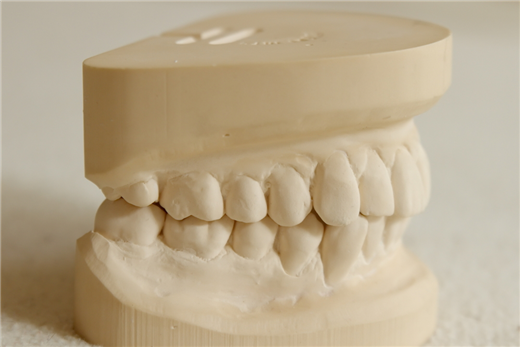
Is It Worth Abandoning Traditional Plaster Models for All-In Digital Workflow in Eastern Europe CAD/CAM Dental Market 2025-2026?
2025-12-07
2026-05-29
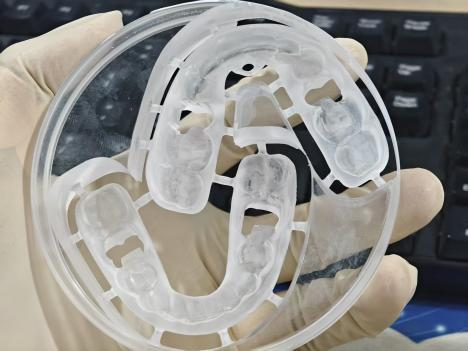
Answer: No, the YRC-5X dental milling machine is not designed for trimming finished clear aligners. The YRC-5X is specifically developed for processing Ø98 mm standard dental disc materials, including zirconia, PMMA, wax, composite resin, and other compatible CAD/CAM disc-based materials. Since finished clear aligners are non-disc materials and already completed appliances, they are outside the supported machining range of the system. Therefore, the YRC-5X cannot process non-98 mm disc materials or finished orthodontic cases.
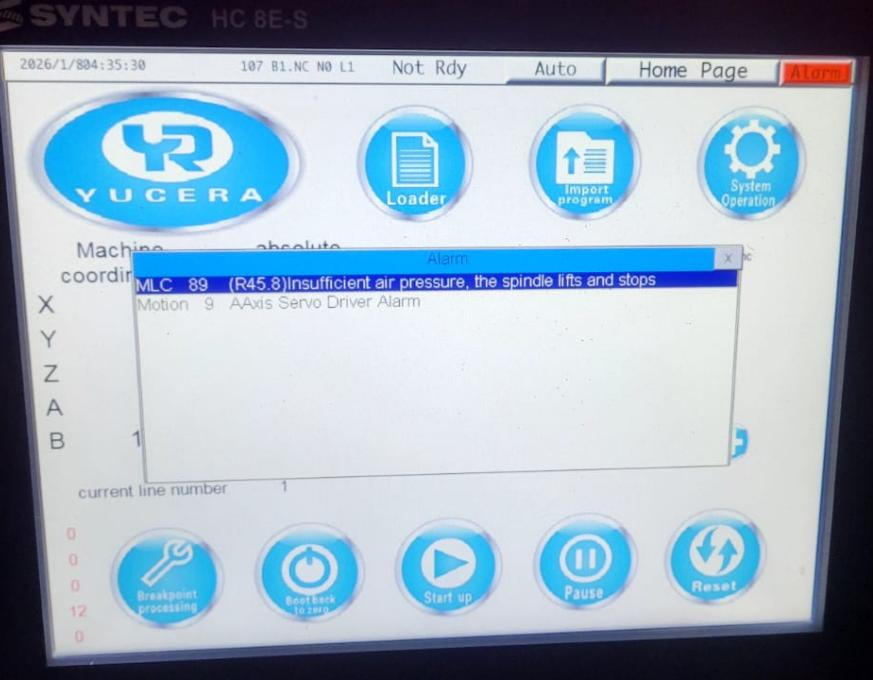
Answer: In many cases, the alarm may be caused by insufficient air pressure supply. Please follow the troubleshooting steps below:
Step 1: Check Air Pressure Verify whether the compressed air pressure is operating within the required range for normal milling machine performance. Low air pressure may affect spindle operation, automatic tool changing, or pneumatic system stability.
Step 2: Check the Power Connection Ensure the power plug and socket connection are secure and properly connected. Loose electrical connections may interrupt machine communication or system startup.
Step 3: Restart the Machine Turn off the machine completely, wait approximately 2 minutes, and then restart the system. This process helps reset temporary system abnormalities or communication interruptions.
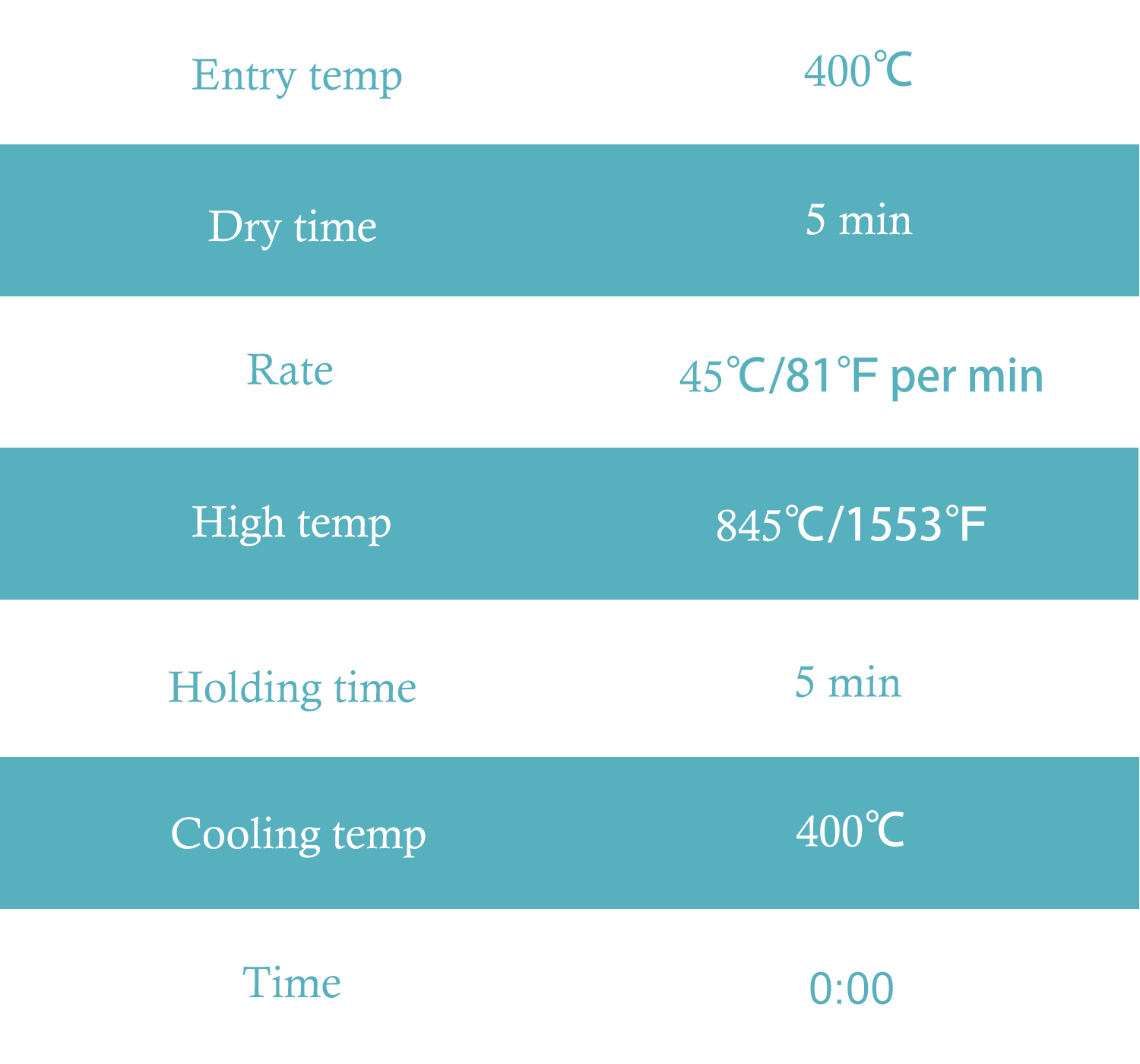
Answer: The recommended glass ceramic sintering/crystallization curve is shown in the image below.
Answer: If the YRC-8Pro milling machine displays alarm 1020 [%d] – Main Program Loading Failed, please follow these troubleshooting steps:
a. Check Whether the Processing Program Exists Verify that the machining program file is correctly stored in the controller system.
b. Verify the Integrity of the Program File Please check whether the machining program file remains intact and has not been damaged during transfer or storage. An incomplete or abnormal file may cause the program loading process to fail.
c. Verify the File Format Ensure that the machining file is in a supported NC format. Unsupported or incorrectly generated files may fail to load properly.
d. Reset the Alarm and Reload the Program If the file exists and the format is correct, please reset the machine alarm, clear the fault notification, and attempt to reload the program again.
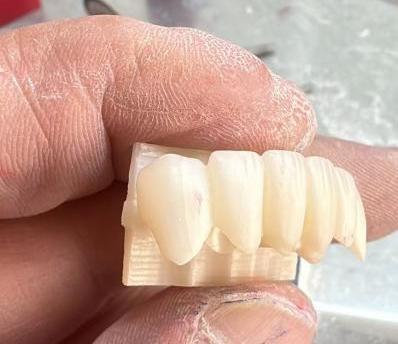
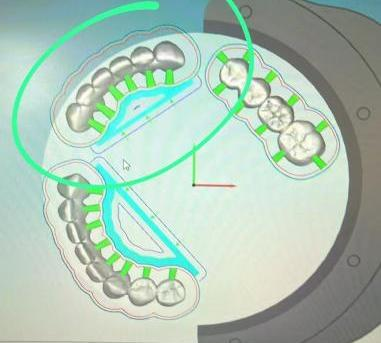
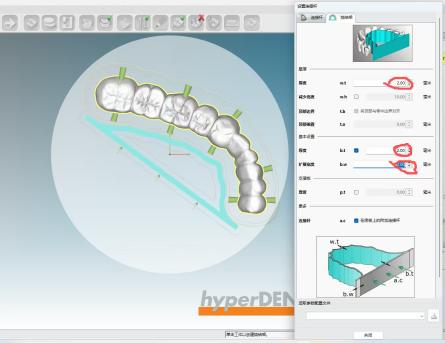
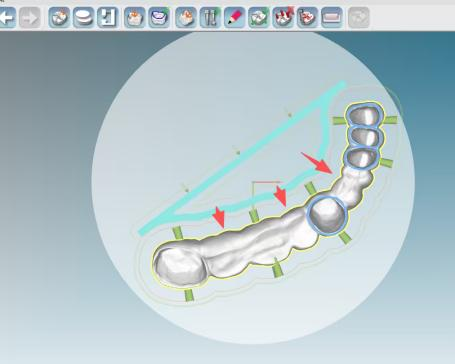
Important Notes for Support Placement Support structures should not be placed at pontic/missing tooth areas. In bridge restorations with multiple missing teeth, improper support placement may generate excessive shrinkage force during sintering, increasing the risk of:
For thicker missing tooth areas, connecting supports near thicker wall sections of the sintering frame may lead to stronger shrinkage stress. Special attention is recommended when processing:
In these cases, support distribution and pontic positioning should be carefully evaluated.
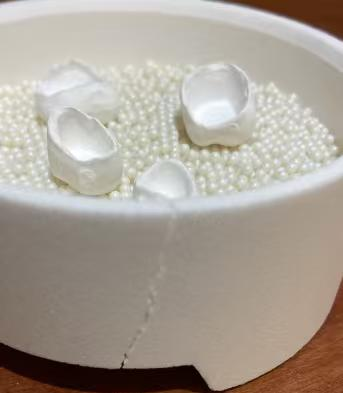
Answer: Yes, a cracked sintering crucible may affect normal operation and replacement is recommended. Although the crucible may still function temporarily during slow sintering cycles, continued use is not advised because:
The crack may gradually expand over time
Structural stability may decrease during repeated thermal cycles
Frequent fast sintering can significantly shorten crucible lifespan
Since the crucible is a consumable component, timely replacement is recommended to maintain stable sintering performance and restoration consistency.

Dry & wet milling for zirconia, PMMA, wax with auto tool changer.
learn more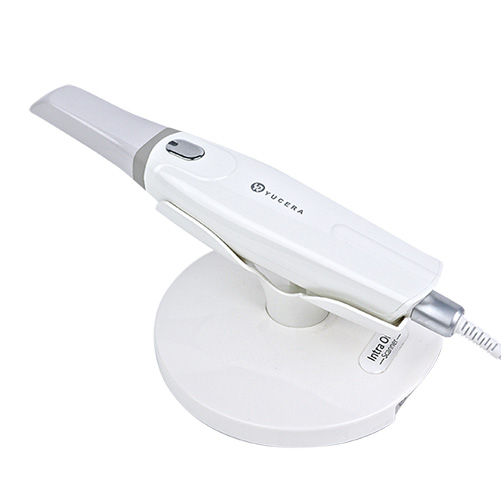
High-precision 3D scanning, AI calibration, full-arch accuracy.
learn more
40-min full sintering with 57% incisal translucency and 1050 MPa strength.
learn more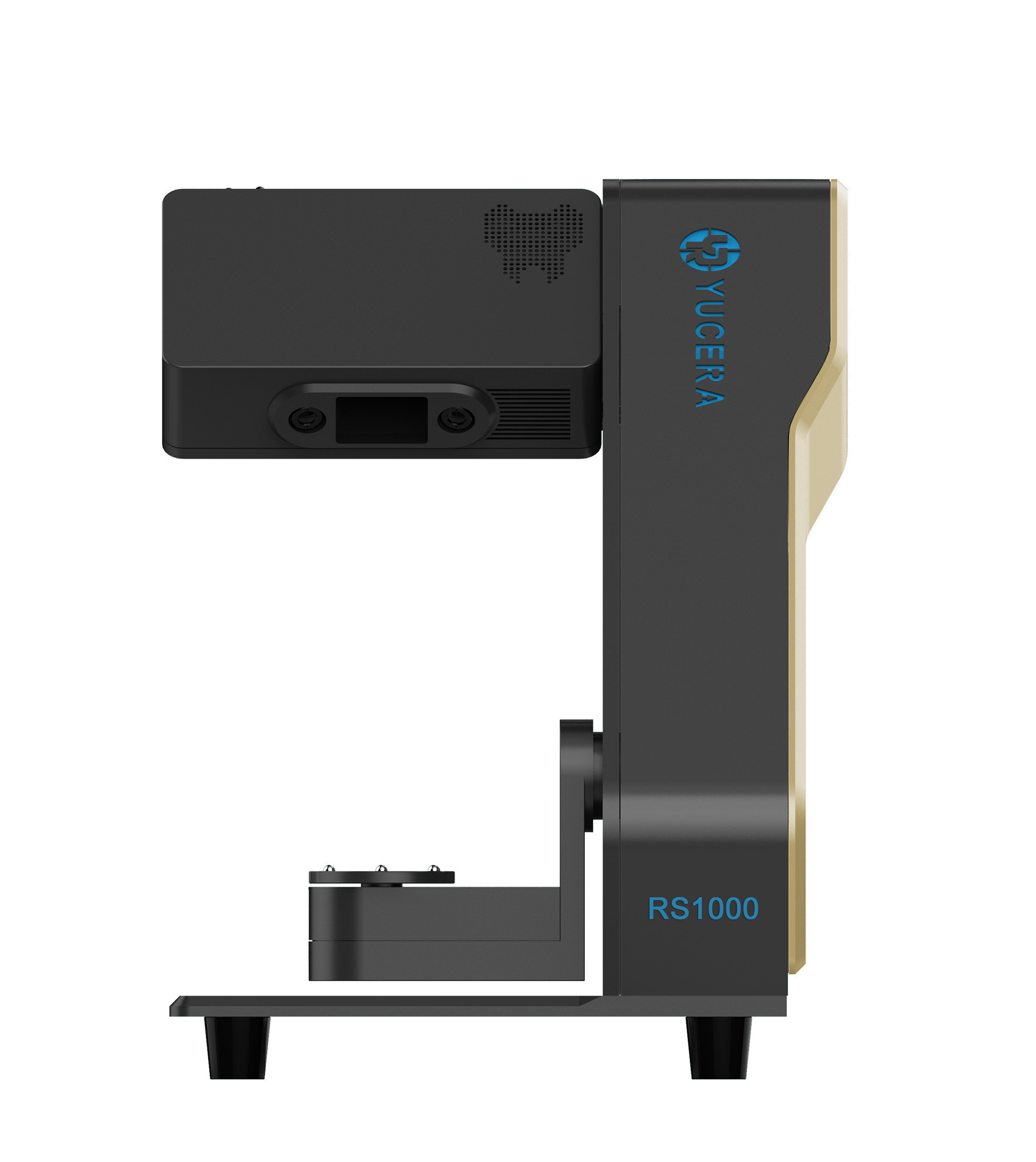
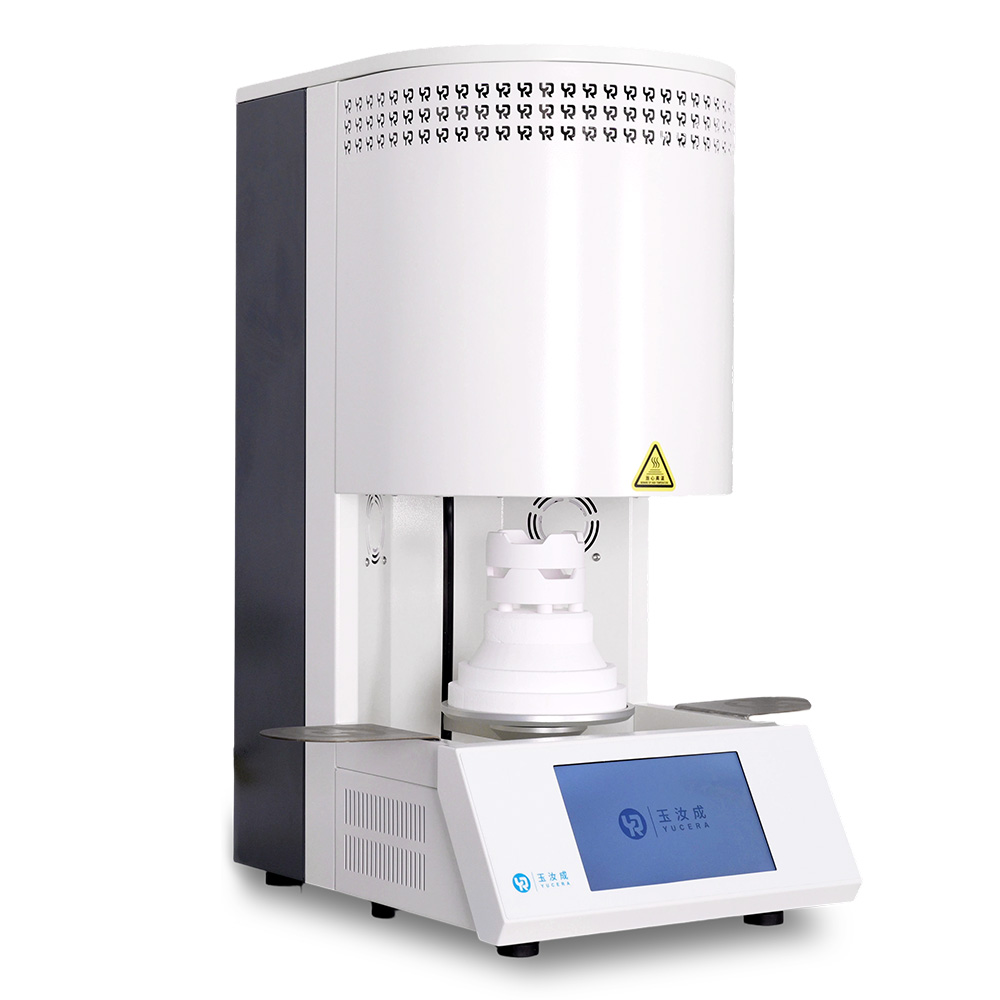
40-min cycle for 60 crowns, dual-layer crucible and 200°C/min heating.
learn more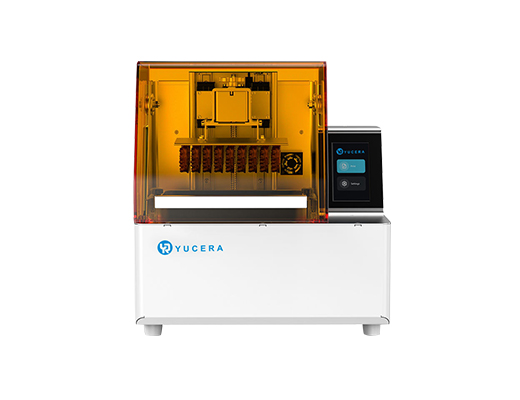
High-speed LCD printer for guides, temporaries, models with 8K resolution.
learn more


2025-12-07
2026-05-02

2026-02-14


