中 文
中 文

Application of 3D Printing Technology in the Field of Dentistry
2024-11-07
2026-03-16
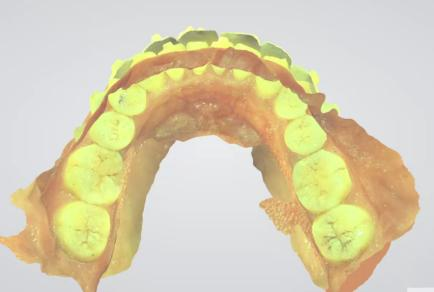
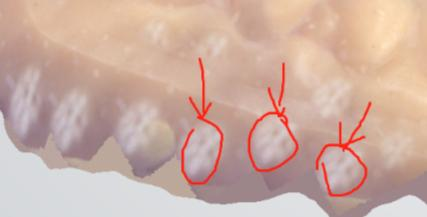
A: Error reason: Customer misoperation or probe contamination.
Solution:
a. Perform color calibration;
b. Check the probe surface for contamination or the area around the probe for white edges/protective glass for contamination.
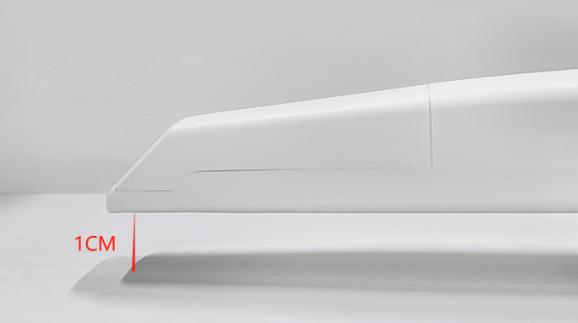
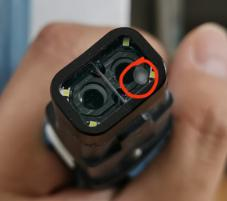
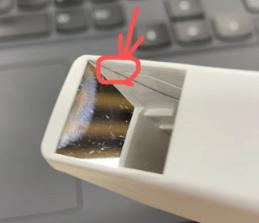

A: Error reason: Missing fusion runtime library or antivirus software on your computer is affecting the software's operation.
Solution: a. Uninstall the antivirus software;b. Reinstall the software.
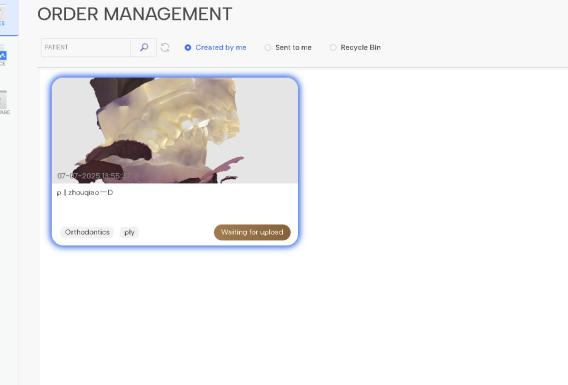
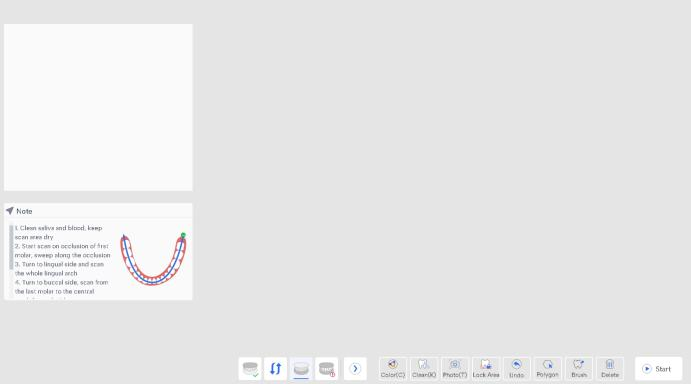
A:
Error reasons:
a. Computer system malfunction or hardware problem;
b. Customer shut down the computer too quickly after scanning, causing the hard drive to fail to save successfully;
c. Software crash due to system updates or antivirus software.
Solutions:
a. Use the start/pause buttons in the scanning interface;
b. Reprocess the model;
c. Register and fit the data, then save/upload it.
The most recent 10 data entries can be retrieved, but due to insufficient disk space or a virus infection, the data was not saved properly and needs to be rescanned, making retrieval impossible.
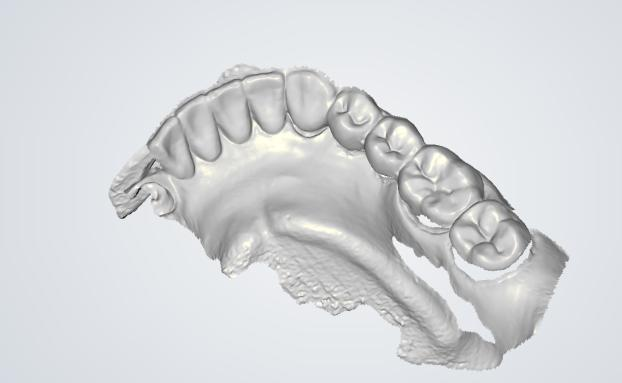
A: Error reasons: a. NVIDIA graphics card driver version is too low; b. Software file is corrupted.
Solutions:
a. Upgrade NVIDIA graphics card driver to version 581.57 or higher;
b. Repair the software;
c. Restore the colors of the last 10 data entries by starting and pausing.
Q: The water stains on the YRC-S05 protective glass are obvious, and the 2D scanning window is unclear. How can this be resolved? (See image below)
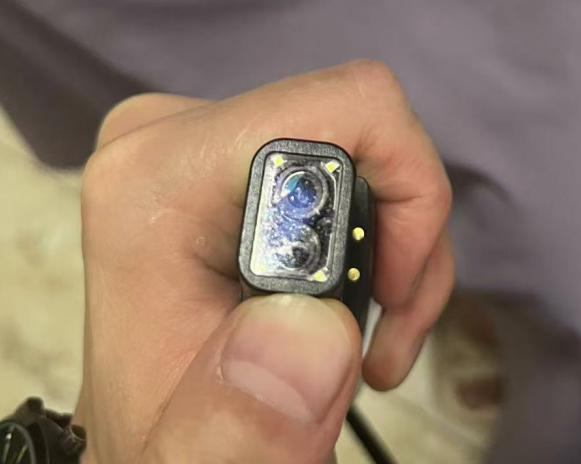
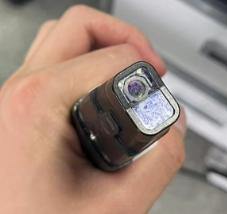
A: Gently wipe the lenses with anhydrous alcohol or a lens cloth.

Dry & wet milling for zirconia, PMMA, wax with auto tool changer.
learn more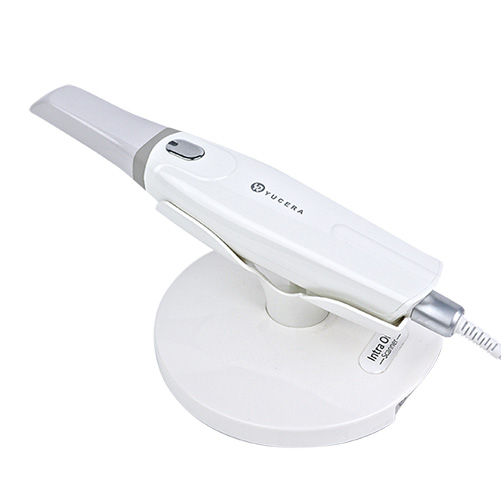
High-precision 3D scanning, AI calibration, full-arch accuracy.
learn more
40-min full sintering with 57% incisal translucency and 1050 MPa strength.
learn more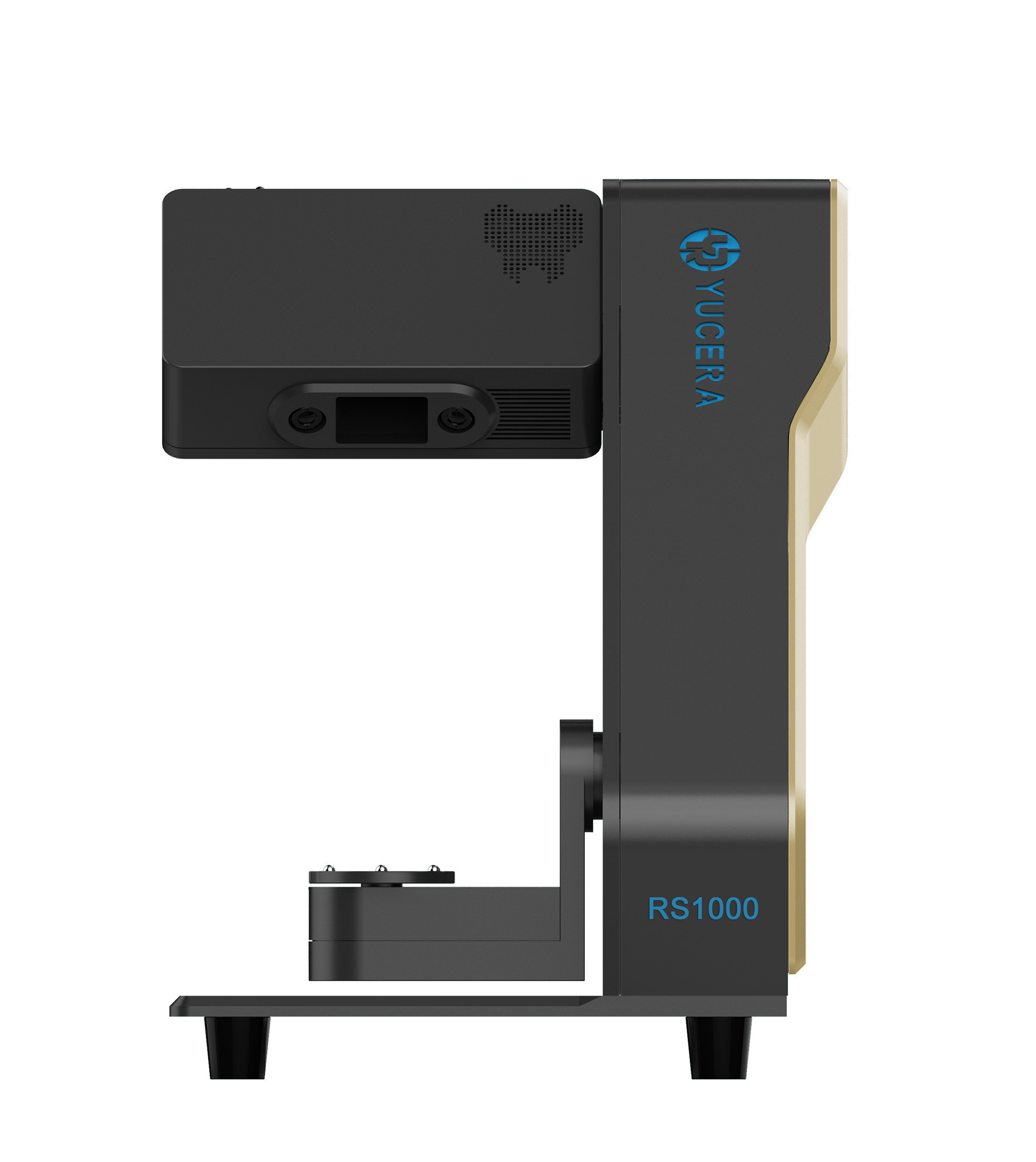
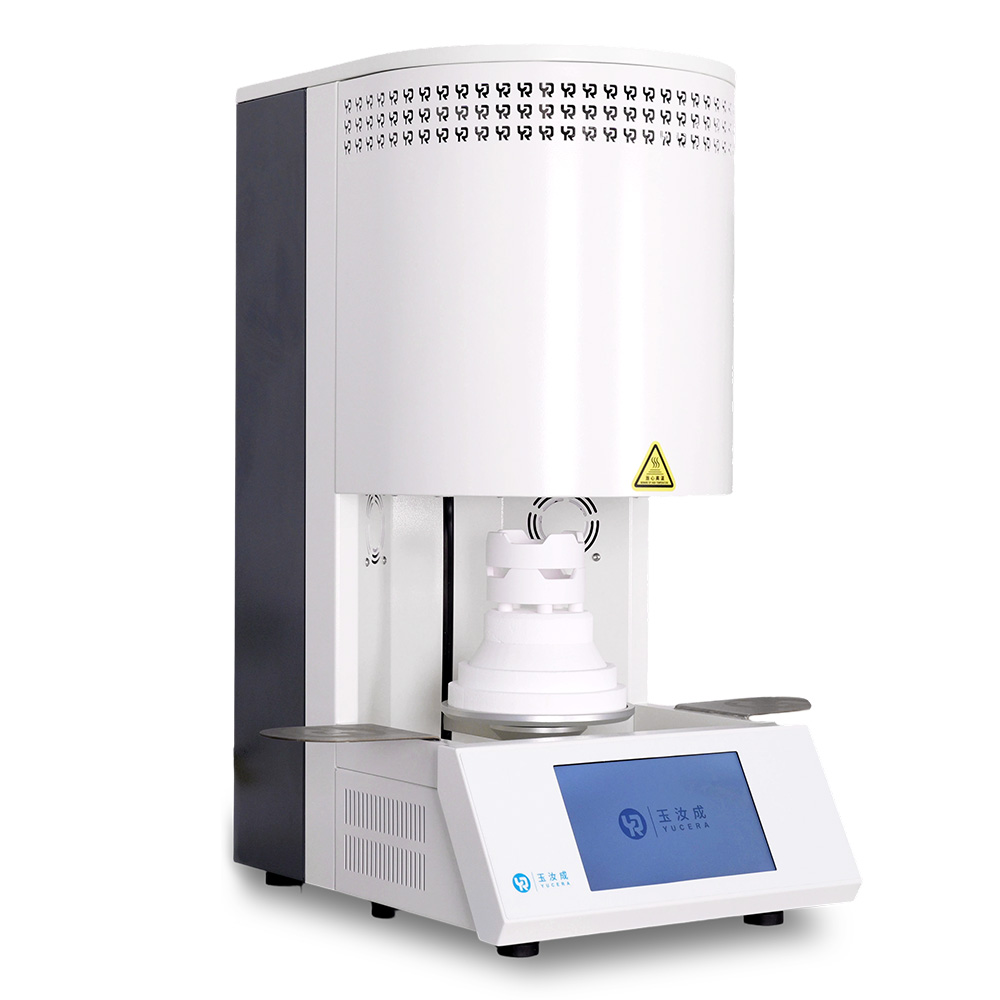
40-min cycle for 60 crowns, dual-layer crucible and 200°C/min heating.
learn more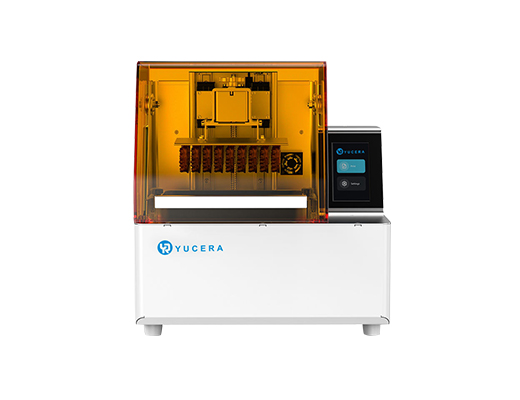
High-speed LCD printer for guides, temporaries, models with 8K resolution.
learn more