中 文
中 文

Top 10 Global Zirconia Block Manufacturers in 2025
2025-11-01
2026-03-07
Digital dentistry has transformed the way dental professionals capture impressions, with intraoral scanners (IOS) becoming a staple in modern practices. As the global intraoral scanner market grows at a CAGR of 12.05%, understanding the critical parameters that define scanner performance is more important than ever. While accuracy (trueness) and precision are often the focus, frame rate (FPS – frames per second) is an unsung hero that directly influences every aspect of the scanning process, from clinical efficiency to patient satisfaction. In this guide, we break down what frame rate (FPS) is, how it impacts scanning quality, the optimal FPS ranges for different procedures, and why it should be a top consideration when investing in an intraoral scanner.
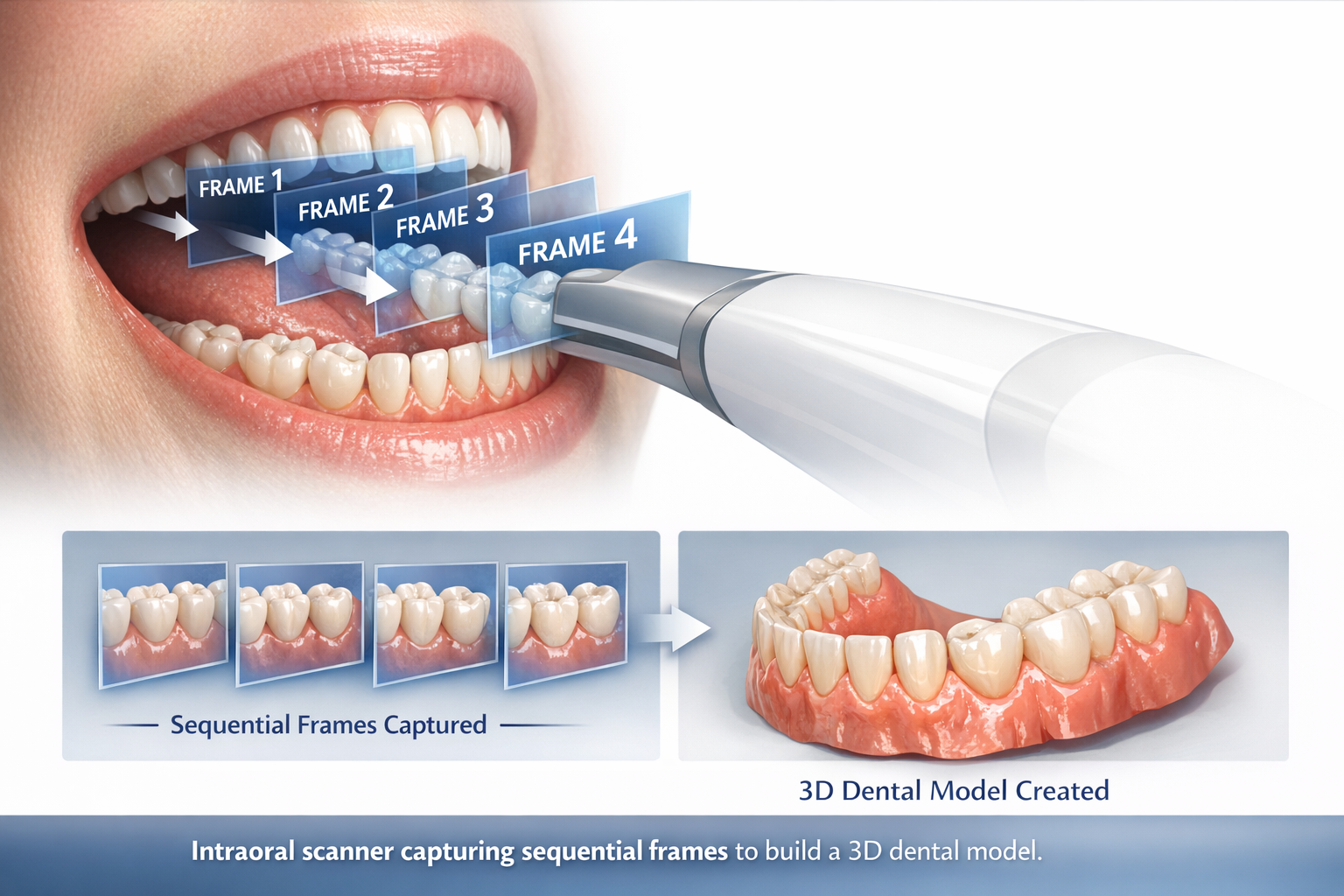
Frame rate (FPS) is not just a “spec sheet number” – it directly impacts the quality of the scan, the efficiency of the procedure, and the comfort of the patient. Below are the five most critical ways frame rate (FPS) influences intraoral scanning performance, backed by real industry data and clinical research.
What Is Intraoral Scanner Frame Rate (FPS)?
Frame rate (FPS) refers to the number of images (or point cloud frames) an intraoral scanner captures and processes per second, measured in frames per second (fps). Think of it as the “speed” at which the scanner “takes photos” of the oral cavity and stitches them together to create a 3D model. A higher frame rate (FPS) means the scanner captures more data points in less time, leading to smoother real-time visualization and more reliable 3D reconstruction.
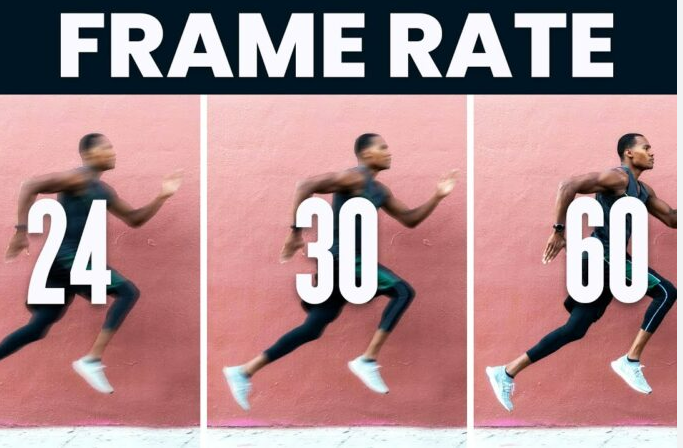
Unlike other parameters that are often overcomplicated, frame rate (FPS) is a straightforward metric that directly translates to real-world performance. According to industry benchmarks, the standard frame rate (FPS) range for intraoral scanners spans from 15 fps (entry-level models) to 70+ fps (high-end devices), with most clinical-grade scanners falling between 20–60 fps. However, not all frame rates (FPS) are created equal – the right FPS depends on the type of dental procedure, patient cooperation, and desired level of precision.
How Frame Rate (FPS) Impacts Intraoral Scanning: 5 Key Effects
1. Real-Time Visualization & Clinical Efficiency
A low frame rate (FPS below 20) leads to noticeable lag between the scanner’s movement and the 3D model on the screen, causing stuttering, missed areas, repeated scans, and longer procedure times. In contrast, a high frame rate (FPS 30 or higher) provides seamless visualization. Clinical data shows scanners with 30+ fps reduce full-arch scanning time by 30–50% – a 36-second full-arch scan is achievable with high-end devices, while entry-level models may take 60+ seconds, saving time for the dental team and patients.
2. Motion Artifacts & Scanning Accuracy (Trueness)
Motion artifacts (blurring, ghosting, point cloud misalignment) stem from patient or scanner movement. Frame rate (FPS) is the primary defense: the higher the FPS, the less time motion has to affect the scan. Clinical studies show a frame rate (FPS) of 25+ significantly reduces artifacts, with 30+ fps ideal for dynamic procedures like occlusal scanning. Scanners with fps below 20 often produce distorted models, especially for patients with limited cooperation. AI dynamic tracking paired with 30+ fps maintains accuracy within 20 μm even at 2–3 mm/s – critical for restorative dentistry.
3. Precision & Repeatability
Precision (repeatability) – consistency of scan results – is enhanced by high frame rate (FPS). Scanners with stable 25–30+ fps produce consistent point clouds, critical for orthodontics where tracking changes requires reliable data. A PubMed-published in vitro study found modern scanners with 30+ fps and AI optimization maintain precision within 15–20 μm for repeated scans, while low FPS scanners show significant variation, leading to inconsistent treatment planning.
4. Patient Comfort & Cooperation
Higher frame rate (FPS) means faster scans, reducing the time patients keep their mouths open – key for those with gag reflexes, children, or jaw pain. Industry data shows patients are 60% more likely to report positive experiences with scans under 60 seconds, easily achieved with 30+ fps scanners. Smooth real-time visualization also reduces patient anxiety and improves cooperation.
5. Adaptability to Complex Clinical Scenarios
Different procedures require different frame rate (FPS) capabilities: single crowns/veneers (20–25 fps), full-arch restorations (25–30 fps), orthodontics/dynamic occlusion (30+ fps), and implant dentistry/gingival margins (25–30 fps). With the global push toward digital dentistry, high FPS scanners offer versatility across all dental specialties, meeting the growing demand for adaptable equipment.
Frame Rate (FPS) Myths: What You Need to Know
Common misconceptions about frame rate (FPS) can lead to poor purchasing decisions. Here’s what to avoid:
Myth 1: Higher FPS = Better Performance
High FPS is beneficial but not the only factor. A 60+ fps scanner may underperform a 30 fps model if it sacrifices resolution or data processing. Industry benchmarks show 30–45 fps is the sweet spot for most practices, balancing speed, accuracy, and cost. Extreme 70+ fps is only needed for specialized dynamic procedures.
Myth 2: Frame Rate (FPS) = Scanning Speed
FPS and scanning speed are related but distinct. Scanning speed refers to coverage of the oral cavity, while FPS is frames per second. High FPS enables faster scanning, but field of view (FOV), data processing, and scanner tip design also play roles – a large FOV 30 fps scanner may outpace a small FOV 40 fps model.
Myth 3: All Scanners with the Same FPS Perform the Same
FPS depends on hardware and software. A 30 fps scanner with a low-quality sensor will underperform one with a high-resolution sensor and advanced AI stitching. Poor data processing can cause frame drops, even with a high maximum FPS.
Guide: Choosing the Right Frame Rate (FPS) for Your Practice
The right frame rate (FPS) depends on your practice focus, patient demographic, and budget. Below is a practical guide based on industry data and clinical best practices:
Practice Type
Recommended FPS Range
Key Reasoning
General Dentistry (Single Crowns, Fillings)
20–25 fps
Balances precision and cost; minimal patient movement in routine procedures.
Restorative Dentistry (Full-Arch, Bridges)
25–30 fps
Reduces scanning time without sacrificing accuracy; ideal for busy practices.
Orthodontics/Dynamic Occlusion
30+ fps
Captures dynamic movements without artifacts; ensures repeatable data.
Implant Dentistry/Gingival Margins
25–30 fps
Minimizes patient movement; captures fine details of implant sites.
Pediatric Dentistry
30+ fps
Faster scans reduce discomfort; AI anti-shake boosts success rate.
Additionally, consider the scanner’s data processing, sensor quality, and software integration – all work with FPS to deliver optimal performance. With global intraoral scanner penetration expected to reach 65%, choosing the right FPS ensures your practice remains competitive in digital dentistry.
Conclusion: Frame Rate (FPS) – A Critical Factor for Digital Dentistry Success
Intraoral scanner frame rate (FPS) is a key driver of clinical efficiency, scanning quality, and patient satisfaction. As digital dentistry evolves, with 80% of high-end dental clinics expected to standardize high-performance scanners, understanding FPS helps professionals make informed equipment decisions. The best FPS aligns with your practice’s needs – prioritizing it alongside accuracy and precision elevates workflow and clinical outcomes. As new advancements emerge, FPS will remain a critical parameter to watch.

Dry & wet milling for zirconia, PMMA, wax with auto tool changer.
learn more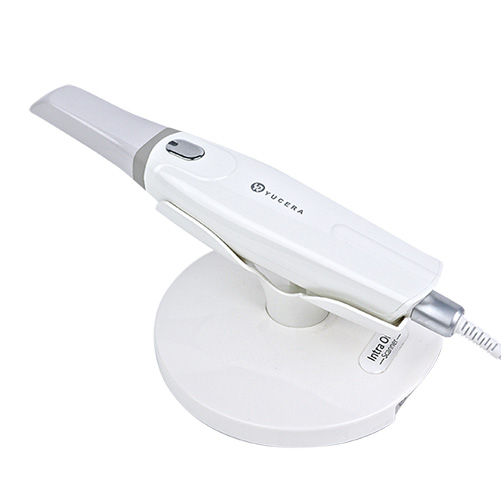
High-precision 3D scanning, AI calibration, full-arch accuracy.
learn more
40-min full sintering with 57% incisal translucency and 1050 MPa strength.
learn more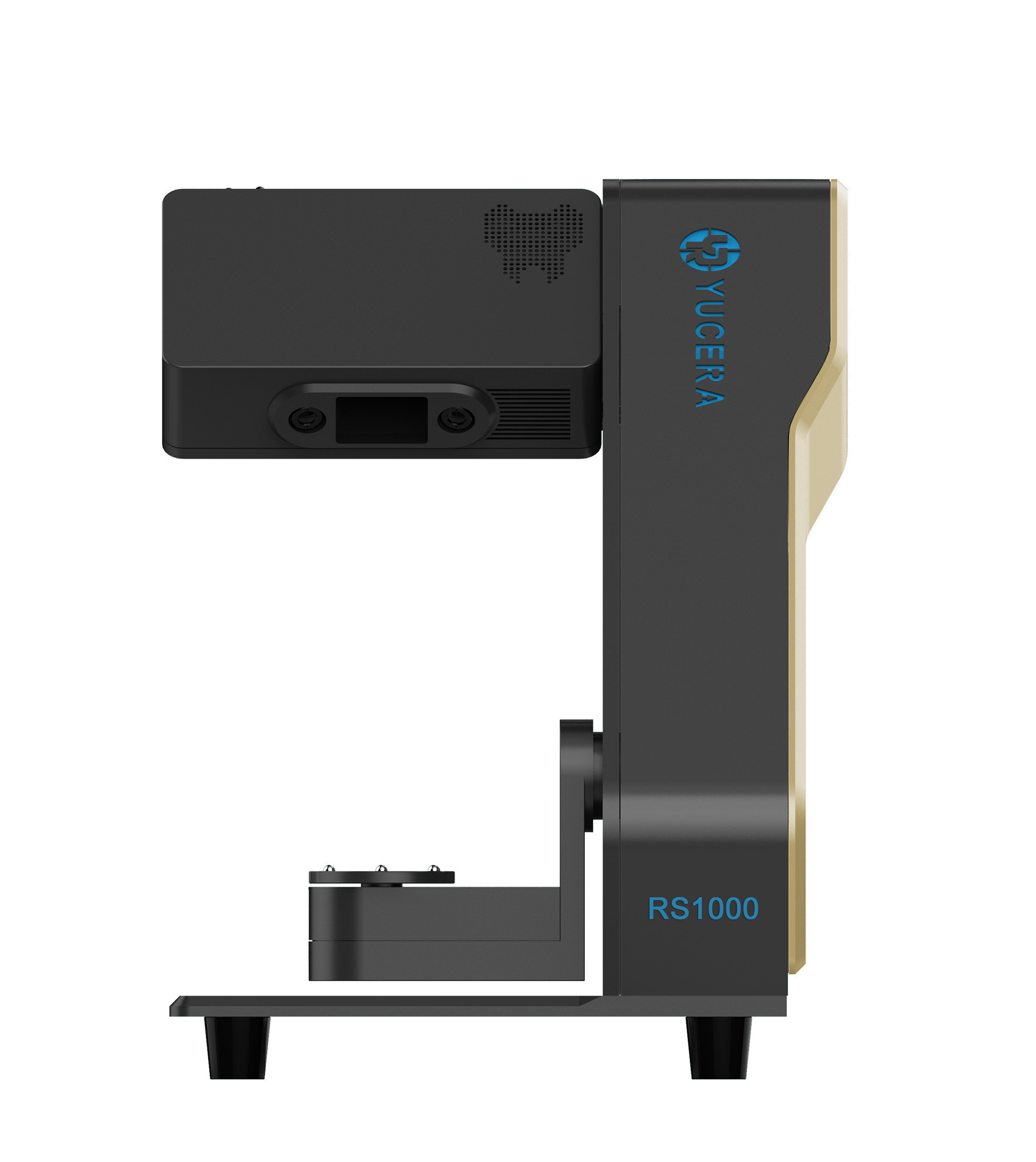
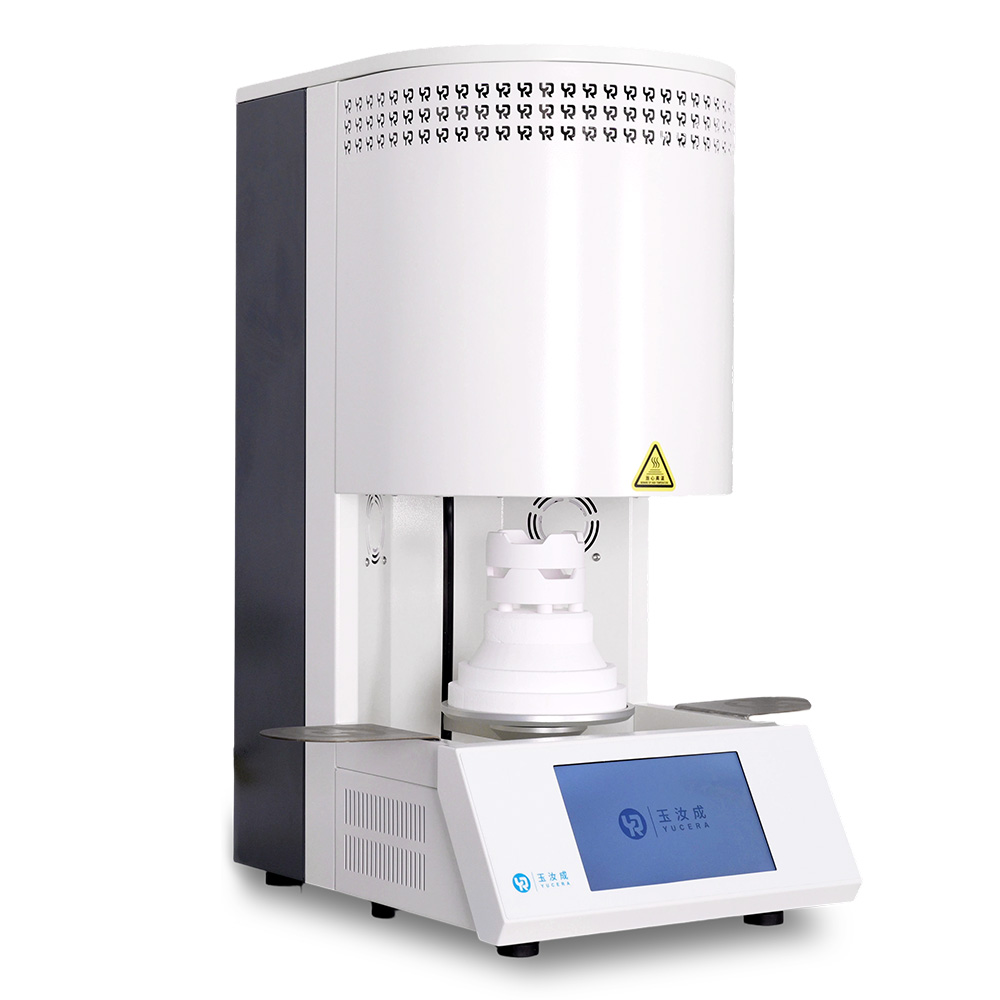
40-min cycle for 60 crowns, dual-layer crucible and 200°C/min heating.
learn more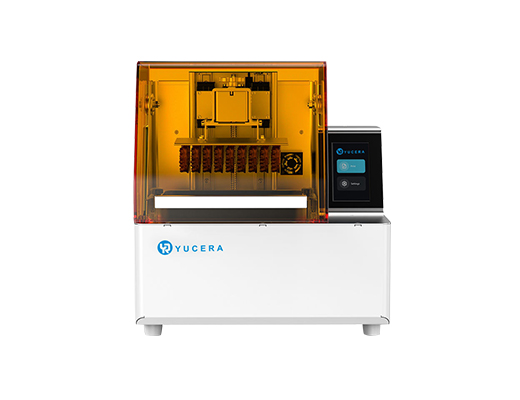
High-speed LCD printer for guides, temporaries, models with 8K resolution.
learn more